
If you want to instantly raise any Sim’s abilities without grinding, Sims 4 skill cheats are the most direct solution. By using the correct cheat syntax, you can set any skill—major, minor, child, or toddler—to a specific level in seconds. This guide covers every working sims 4 skill cheat, explains how skills are structured, and shows how to use cheats cleanly without breaking long-term saves.
I’m Ethan Walker, and I look at cheats not as shortcuts, but as narrative tools. In The Sims 4, skills define careers, hobbies, autonomy, and storytelling pace. Skill cheats let you control that pacing instead of waiting days for a progress bar to crawl forward.
How Sims 4 Skills Actually Work
Before using sims 4 cheats skills, it helps to understand how skills are designed. Skills aren’t just numbers; they unlock interactions, job promotions, income scaling, and hidden social options.
Skills fall into four categories:
- Major skills (10 levels)
- Minor skills (5 levels)
- Child skills (10 levels)
- Toddler skills (5 levels, except Potty at 3)
Teens through Elders can learn major and minor skills. Children unlock major skills only after maxing their child skills. Toddlers are fully gated to their own system.
This structure matters because sims 4 skills cheat codes target each category differently.
How to Enable Skill Cheats in The Sims 4
All skill cheats sims 4 relies on one prerequisite: cheats must be enabled in the save.
Open the cheat console:
- PC: Ctrl + Shift + C
- PlayStation: L1 + L2 + R1 + R2
- Xbox: LB + LT + RB + RT
Then enter:
testingcheats true
Once enabled, the game allows direct manipulation of skill values using command syntax.
The Universal Skill Cheat Formula
Most sims skill cheats follow a consistent structure:
stats.set_skill_level [SkillType]_[SkillName] X
X is the target level. This works for the majority of skills across all DLCs, with a few exceptions for horses and newer packs.
Understanding this formula lets you adjust skills precisely instead of blindly maxing everything.
Sims 4 Skill Cheats for Major Skills (Level 10)
Major skills are the backbone of careers and money-making. These are the most commonly used sims 4 skill cheats.
Examples of major skill cheats:
| Skill | Cheat Code |
| Charisma | stats.set_skill_level Major_Charisma 10 |
| Cooking | stats.set_skill_level Major_HomestyleCooking 10 |
| Gardening | stats.set_skill_level Major_Gardening 10 |
| Painting | stats.set_skill_level Major_Painting 10 |
| Writing | stats.set_skill_level Major_Writing 10 |
| Programming | stats.set_skill_level Major_Programming 10 |
| Logic | stats.set_skill_level Major_Logic 10 |
| Fitness | stats.set_skill_level Skill_Fitness 10 |
DLC skills use the same logic:
- Acting (Get Famous): Major_Acting
- Archaeology (Jungle Adventure): Major_Archaeology
- Baking (Get to Work): Major_Baking
- Knitting (Nifty Knitting): Major_Knitting
- Wellness (Spa Day): Major_Wellness
If a Sim’s story revolves around a career, major skill cheats remove early-game friction and let you focus on narrative choices.
Horse and Special Skill Cheats Explained

Horse Ranch introduced skills that don’t bind to Sims directly. These require a Horse ID.
Examples:
- Horse_Temperament
- Horse_Agility
- Horse_Jumping
- Horse_Endurance
Syntax:
stats.set_skill_level Horse_Agility 10 [Horse ID]
This system prevents accidental cross-assignment and keeps animal progression separate from Sims.
Sims 4 Skill Cheats for Minor Skills (Level 5)

Minor skills are narrower in scope but often unlock useful systems or side income. Many sims 4 skill cheats target these for fast setup.
Common minor skills include:
- Bowling
- Dancing
- Media Production
- Juice Fizzing
- Cross-Stitch
- Entrepreneur
- Nectar Making
Example:
stats.set_skill_level Minor_Dancing 5
Minor skills shine in themed saves, such as influencer households or cottage-focused playthroughs.
Sims 4 Skill Cheats for Child Skills
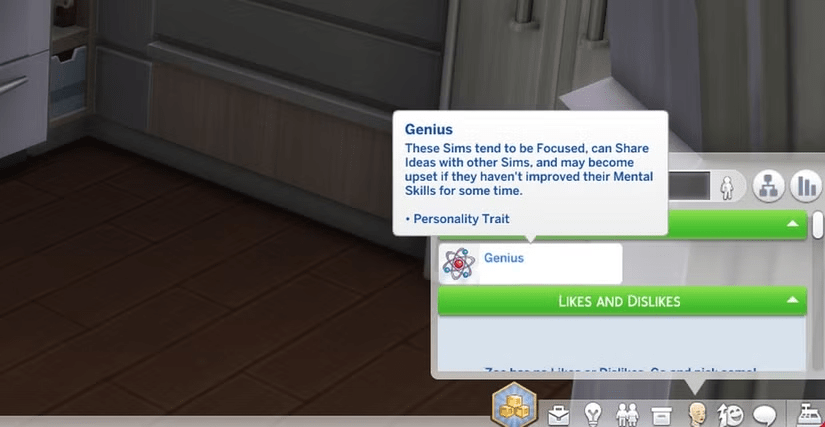
Child skills gate future growth, which makes sims 4 skills cheat commands especially useful here.
Child skills:
- Creativity
- Mental
- Motor
- Social
Example:
stats.set_skill_level Skill_Child_Mental 10
Maxing these early unlocks adult skill trees sooner and accelerates long-term progression.
Sims 4 Skill Cheats for Toddler Skills
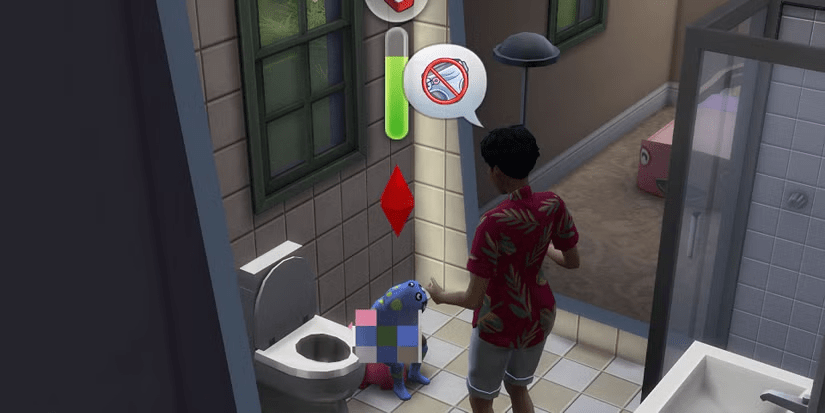
Toddler progression is deliberately slow, which makes sims 4 skills cheat commands especially valuable for players who want to move past early-life micromanagement. Toddler skills shape traits earned in childhood, but grinding them manually can stall storytelling momentum.
Toddler skills and max levels:
- Communication (5)
- Imagination (5)
- Movement (5)
- Thinking (5)
- Potty (3)
Example cheat syntax:
stats.set_skill_level Skill_Toddler_Communication 5
stats.set_skill_level Skill_Toddler_Potty 3
Using toddler cheats doesn’t break later development. It simply skips repetitive animations and lets the household evolve naturally.
When You Should Use Sims 4 Skill Cheats (and When You Shouldn’t)
From a design perspective, skill cheat sims 4 commands work best when they support intent rather than replace gameplay.

Use skill cheats when:
- Creating a backstory-focused Sim
- Setting up career-driven households
- Testing builds, mods, or careers
- Skipping early-game repetition
Avoid overusing them when:
- Playing challenge-based saves
- Exploring new packs for the first time
- You want organic autonomy-driven stories
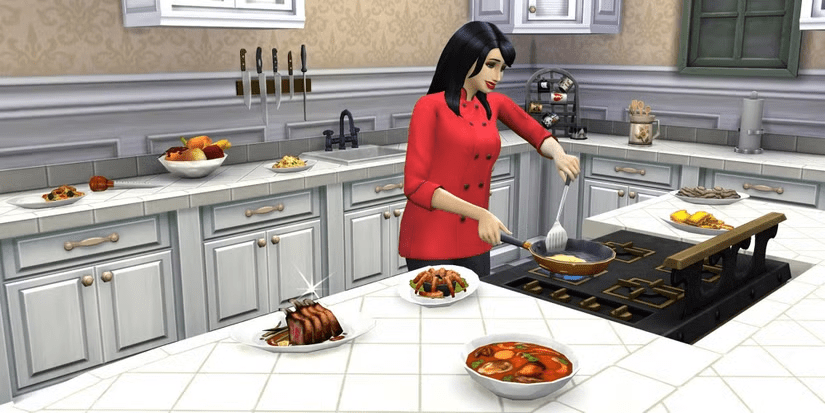
A fictional example: Alex creates a retired chef Sim who opens a bakery. Maxing Cooking and Baking instantly makes narrative sense. Grinding from level 1 doesn’t.
Skill Cheats vs Natural Progression

One common fear is that sims 4 cheats skills “ruin” the game. In practice, they shift pacing, not balance.
Natural progression rewards time investment. Cheats reward intention. Neither is superior—they just tell different stories.
Skill cheats sims 4 also help avoid design bottlenecks. For example, some careers require high skills before meaningful gameplay even begins. Cheats bypass that dead zone.
How Mods Change Skill Cheating

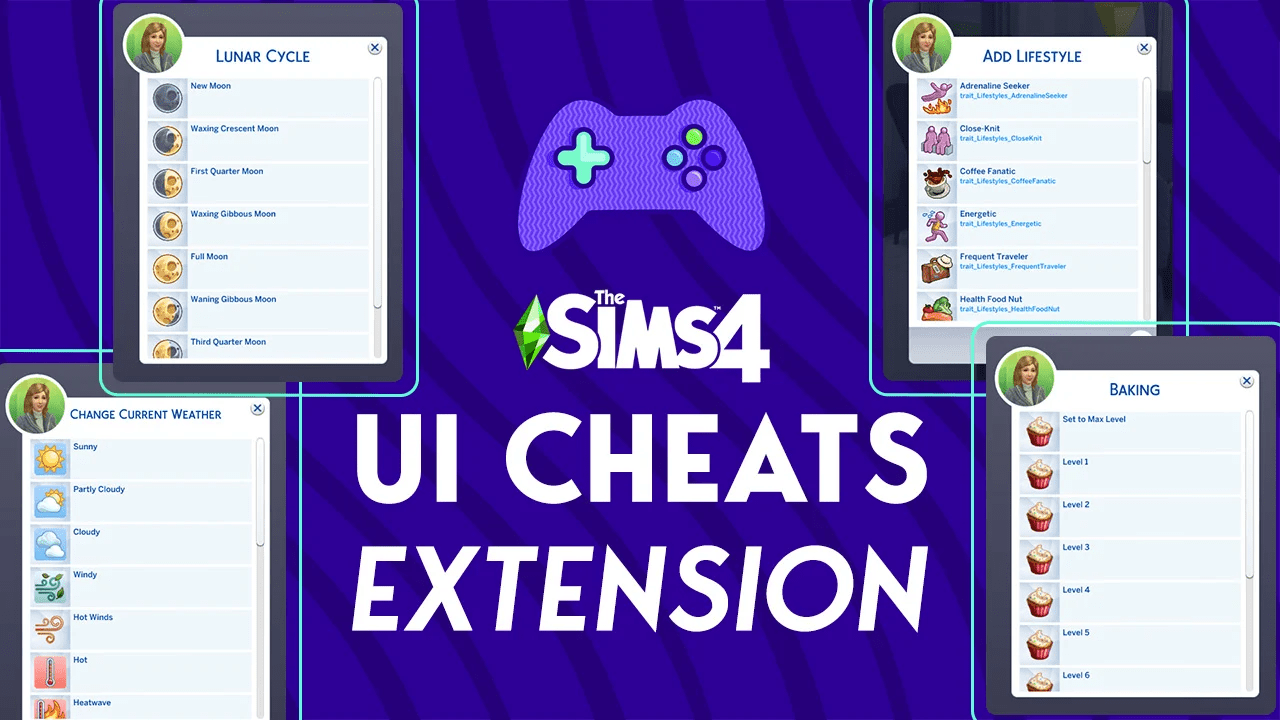
PC players have access to mods that streamline skill manipulation even further. The most popular is UI Cheats Extension.
Instead of typing commands, players can:
- Click skill bars to set levels
- Adjust needs instantly
- Modify relationships and traits
Mods don’t replace built-in cheats—they reduce friction. For players who frequently use sims 4 skills cheat tools, mods turn cheat usage into a clean interface rather than a console task.
Console players, however, should stick to native cheat codes to avoid save instability.
Common Mistakes with Sims 4 Skill Cheats

Even experienced players sometimes run into issues. Most problems come from syntax errors or category mismatches.
Watch out for:
- Using Major_ instead of Minor_
- Forgetting to enable testingcheats
- Entering levels above a skill’s cap
- Missing underscores in skill names
If a cheat fails silently, double-check the skill category first.
Best Practices for Long-Term Saves
To keep saves healthy while using sims skill cheats, follow a few simple rules:
- Set skills once, not repeatedly
- Avoid maxing every skill on one Sim
- Use cheats to support story arcs, not override them
This keeps autonomy meaningful and prevents Sims from feeling mechanically identical.
Sims 4 Skill Cheats
Sims 4 skill cheats are not exploits—they’re authoring tools. They let you control pacing, skip busywork, and focus on the parts of The Sims 4 that actually matter to you.
Whether you’re building a master artist overnight, raising perfect toddlers, or testing a new expansion, skill cheats sims 4 offers are precise, flexible, and safe when used with intent.
Use them thoughtfully, and they’ll enhance your stories instead of flattening them.